Essential free apps to install on a new Windows PC
The free apps worth installing first on a new or freshly reset Windows 11 PC, from a browser and media player to backup and security.
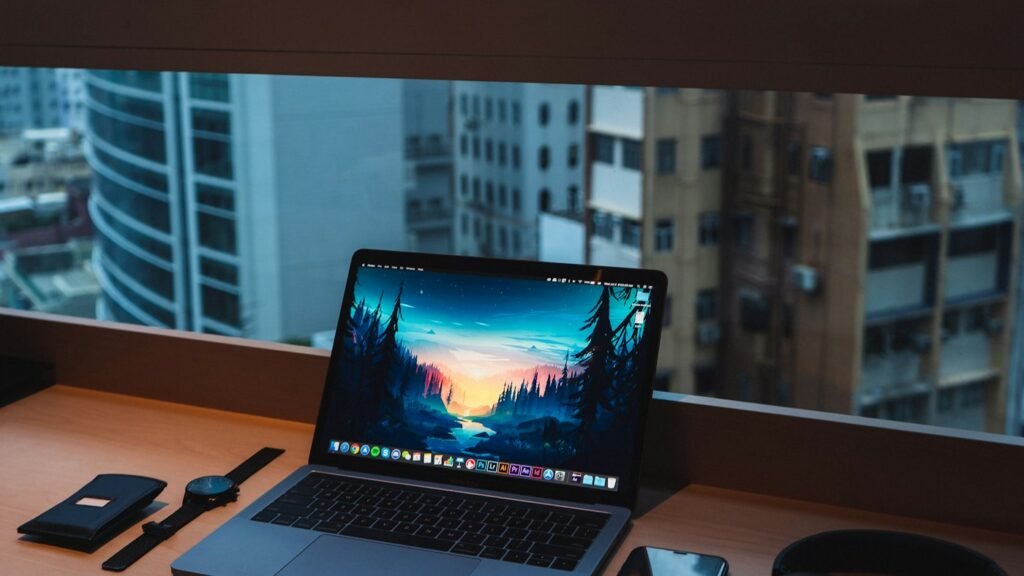
A new PC comes with the basics, but a handful of free apps make it faster, safer and far more useful. Every app below is free, trusted by millions of people and available from its developer’s official website.
1. A web browser you like
Microsoft Edge is fine, but many people prefer Firefox for privacy and add-ons, or Brave for built-in ad and tracker blocking.
Mozilla Firefox
The best mainstream browser for privacy, backed by a non-profit and not built on Chrome.
Brave Browser
The easiest way to get a fast, ad-free browser that still works with Chrome extensions.
2. A password manager
Set this up before you sign in to everything again. It creates strong passwords and fills them in on every device.
3. A media player that plays everything
VLC plays almost any video or audio file without extra codecs, including MKV files and DVDs.
4. A file archiver
Windows can open ZIP files, but 7-Zip handles RAR, 7z and many more, and compresses better.
5. Instant file search
Everything finds any file by name the moment you type, which makes Windows search feel slow by comparison.
6. Screenshots and quick recordings
ShareX captures regions, scrolling pages and short screen recordings, and can annotate them before you share.
7. Microsoft PowerToys
Microsoft’s own free toolkit adds handy features like FancyZones window layouts, a colour picker, bulk file renaming and PowerToys Run.
8. An office suite and PDF reader
If your PC did not come with Office, LibreOffice covers documents, spreadsheets and slides. SumatraPDF opens PDFs instantly.
LibreOffice
The best free alternative to Microsoft Office for most people.
SumatraPDF
The fastest, lightest way to read PDFs and eBooks on Windows.
9. Backup
Set up backups on day one. Duplicati backs up to an external drive or cloud storage with encryption, on a schedule.
Setup checklist
- Run Windows Update until there is nothing left to install.
- Install your browser and password manager first.
- Install the rest of the apps from their official websites.
- Uninstall trial software and apps you will not use.
- Turn on backups and create a restore point.
Tip: Before installing anything new, read our guide on how to check if a download is safe.
Frequently asked questions
Do I need a separate antivirus on Windows 11?
For most home users, the built-in Microsoft Defender is enough when kept up to date and combined with safe download habits.
Are these apps really free?
Yes. Every app in this list is free to use. Some offer optional paid upgrades or accept donations.